
Getting 5 star reviews on Google will improve your conversion rate and help your business stand out from the crowd. Here we show you how to send your customers a Google My Business link to review your business.
1. Go to Google Maps https://www.google.com/maps/ and search for your business name
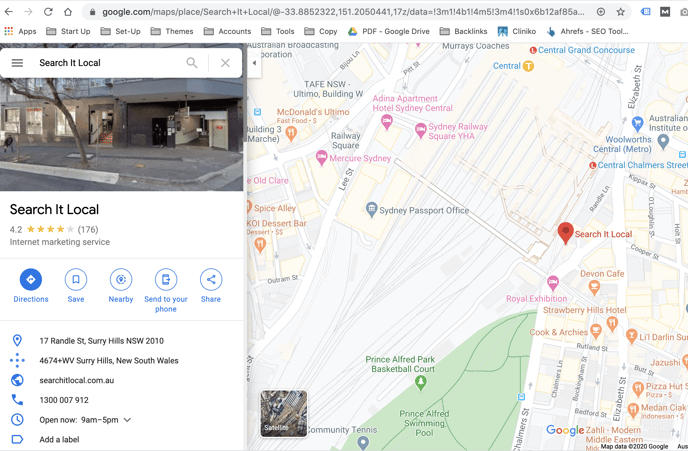
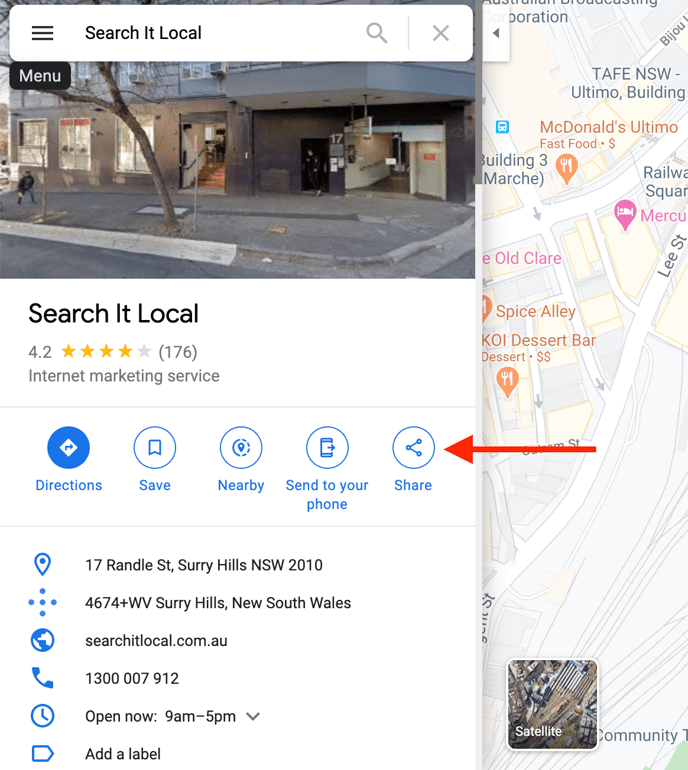
2. Click the “Share” button
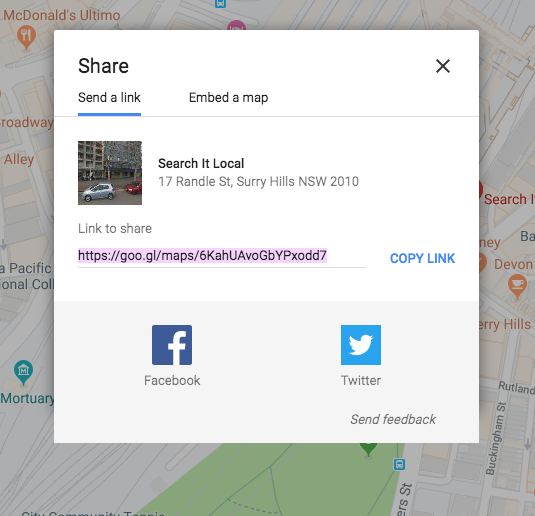
3. Copy the short link to send to your users.
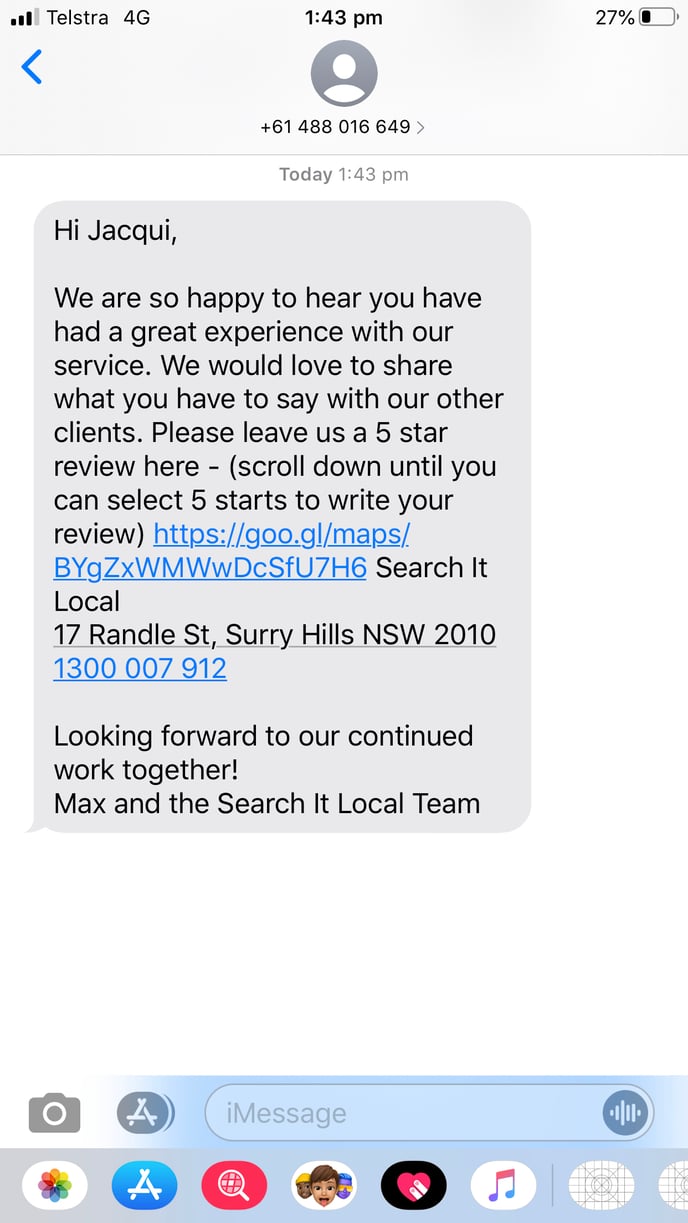
4. Ensure you advise your customers to “Scroll Down” and select 5 stars to “Write a Review”, here is a an example text:
5. To review a Google Business listing you must have a Google Account, if your customers advise they are having trouble or are asked to 'sign in', they will need to create a Google Account to leave your review. Or direct them to your Facebook page to review you there.