
Looking for help managing your Google My Business listing? You can easily add new users to your listing as an Owner, Manager or Site Manager depending on what access they require.
1. Go to http://business.google.com
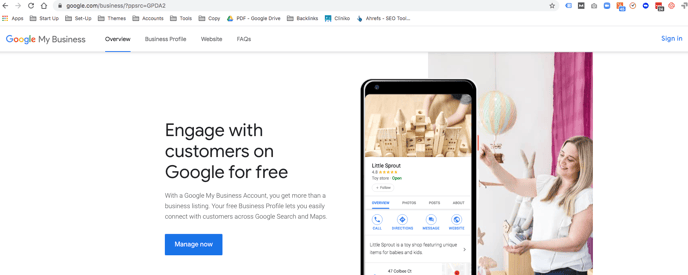
2. Login using your gmail and password that setup your Google My Business listing, it may log you in automatically.
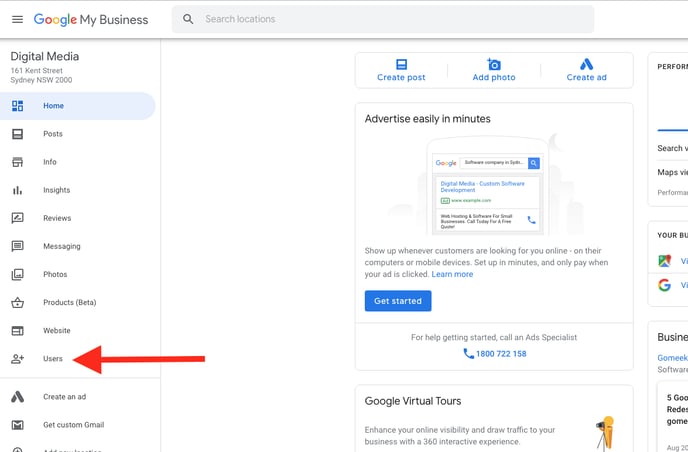
3. Once logged in, on the left navigation menu select “Users”
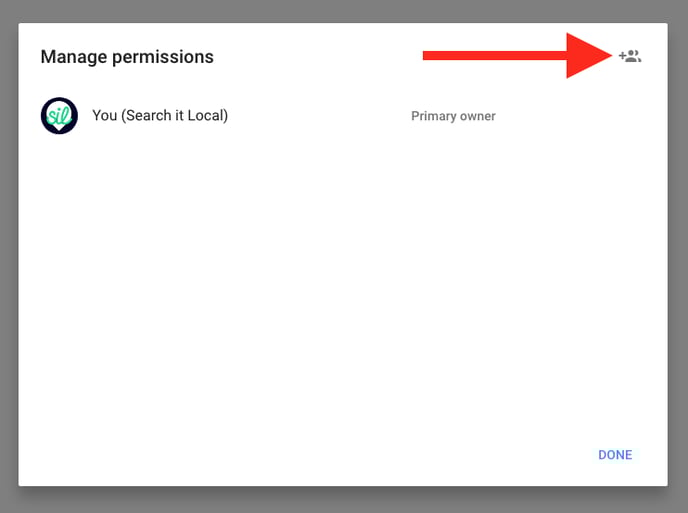
4. In the pop-up box to right corner select the person and + icon
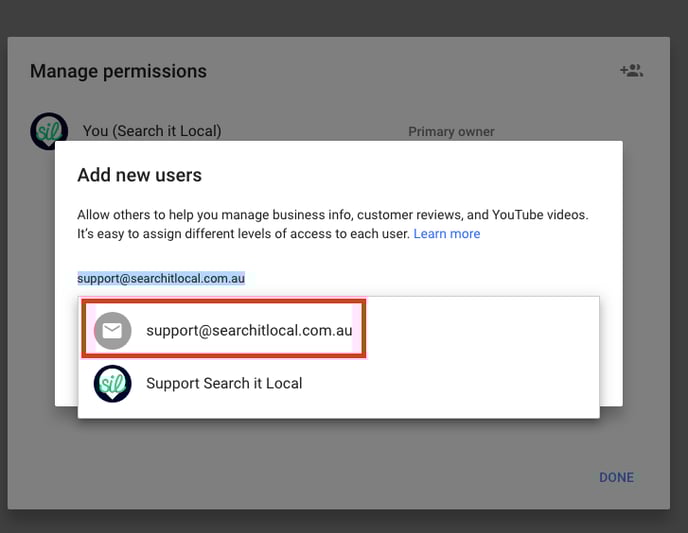
5. Enter the email address you wish to add, if you are adding the Search It Local team, use support@searchitlocal.com.au and select the envelope option.
Note: You must use a Google email
6. Under the Choose a role assign a role, “Owner” or “Manager”
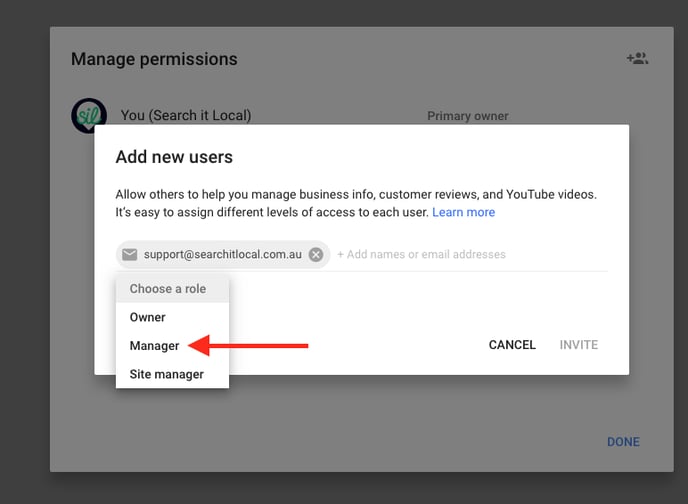
7. Select "Invite"
Your recipient should receive an invitation from Google to Manage or Own your Google My Business listings within a few minutes, once they accept this they can then access your Google My Business listing via their own logins.